

NotzUp / Download hub
NotzUp for your device
Your device is where capture belongs. Native apps are in development; no installers have been released yet. An account is required.
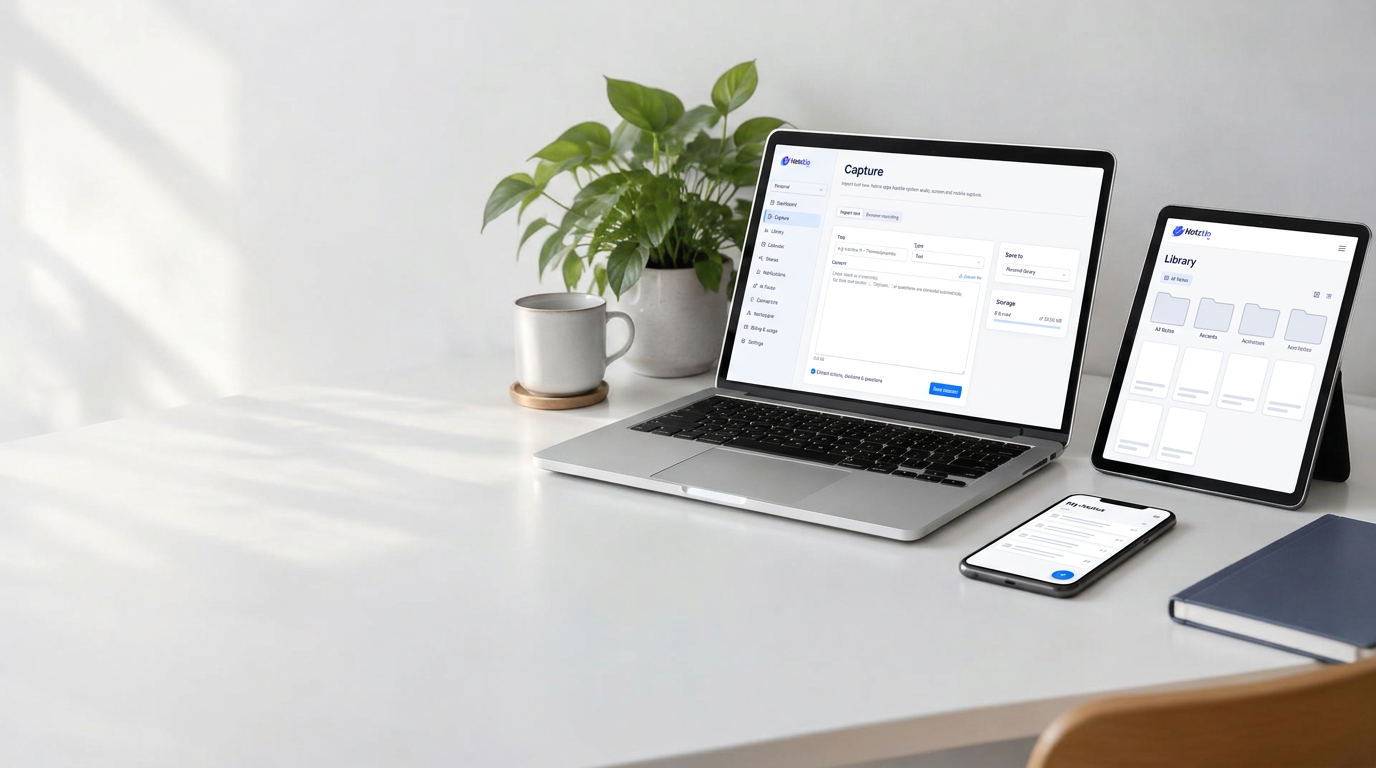
App design illustration · native apps in development
One workspace. Your devices.
Made for where you work.
Five platforms in development. Local capture and private intelligence, within each device’s permissions.
Windows
System audio + mic capture
In development · download not available
macOS
Screen & audio capture with OS permission
In development · download not available
Linux
PipeWire / PulseAudio capture
In development · download not available
Android
Mic capture; call audio limited by OS
In development · download not available
iOS
Mic capture; other apps' audio not accessible
In development · download not available
About mobile capture limits
Android and iOS restrict recording of other apps and phone calls. NotzUp mobile records your microphone with clear consent; provider-based calendar and meeting connections are not currently connected.Meetings, without a meeting bot
Your meeting.
Your notes. Your device.
Stay in the conversation. NotzUp’s native app workflow is designed to capture the session locally—not join the call as another attendee.
Capture on your device
The planned native apps record your screen session and permitted audio on your own computer or mobile device. No bot or extra participant joins the meeting or chat.
Turn conversation into context
OYYO ONE AI is designed to transcribe and summarize privately on your awake, authorized device. No recording is sent to a cloud AI service.
Keep control of what leaves
Keep recordings local. Choose which notes, summaries or actions to save online, make available across your devices, or share with named recipients.
Private processing. Explicit permission.
Always tell participants and obtain the consent required for recording. Screen and audio capture depend on device permissions and operating-system limits, especially on mobile. Native screen capture, transcription and AI are in development; no native installers are available yet. Today’s website supports local browser audio recording and text or transcript import.